Explore free black and white photography
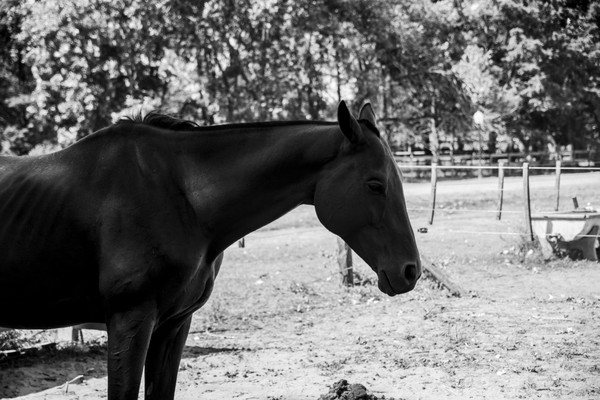
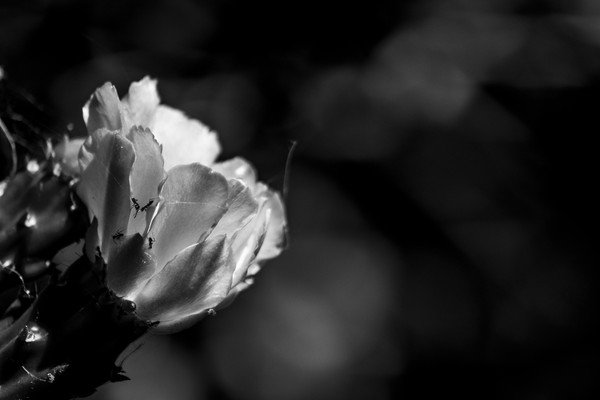
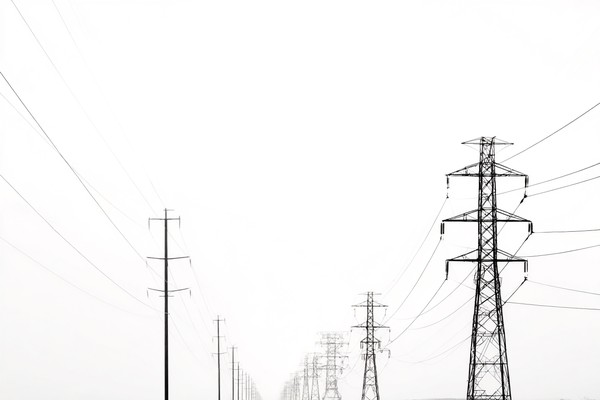
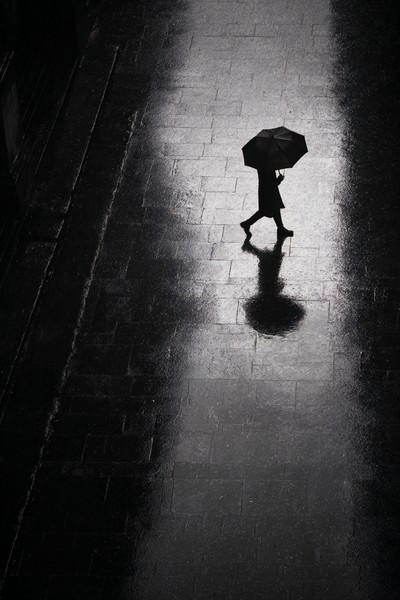
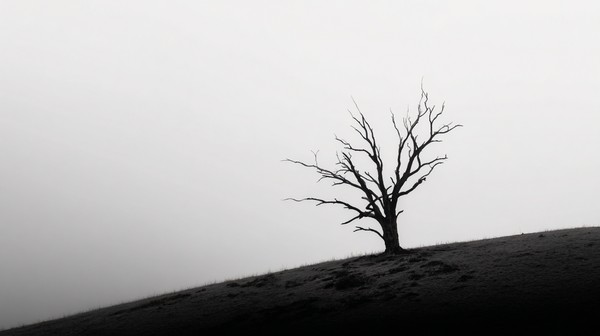
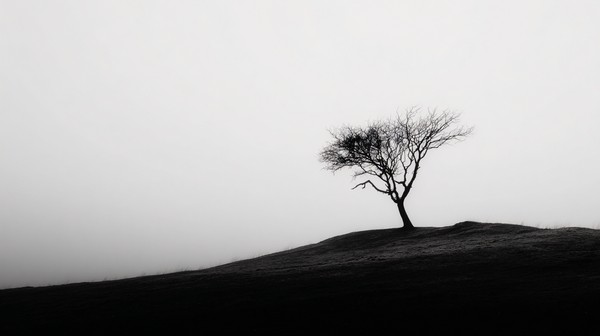
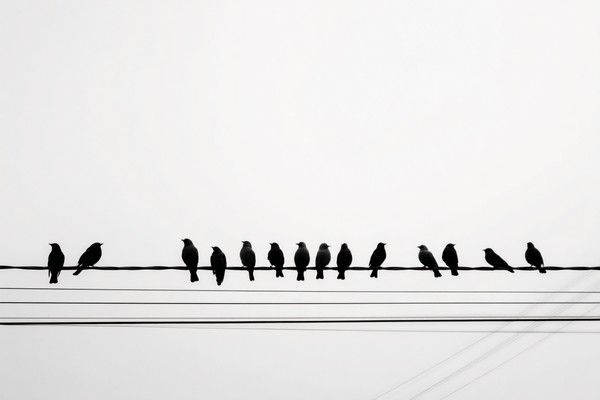
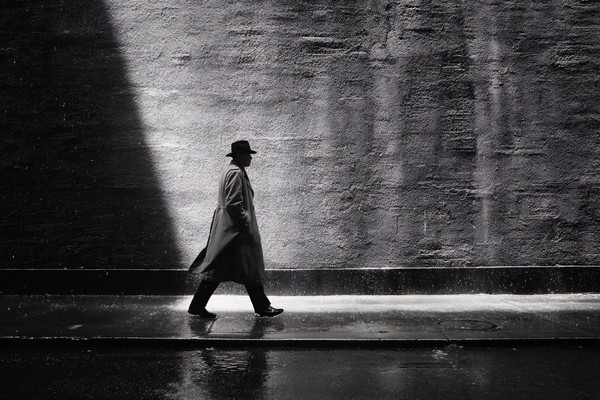
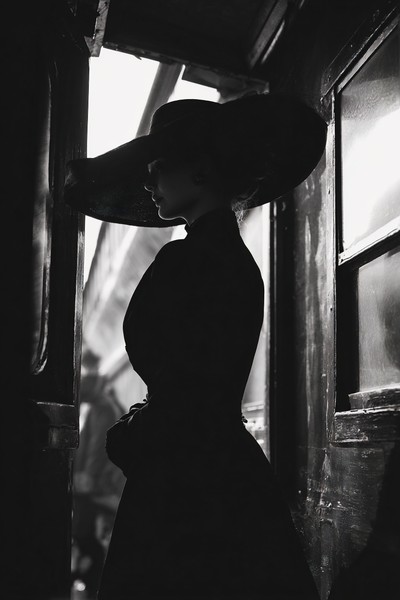
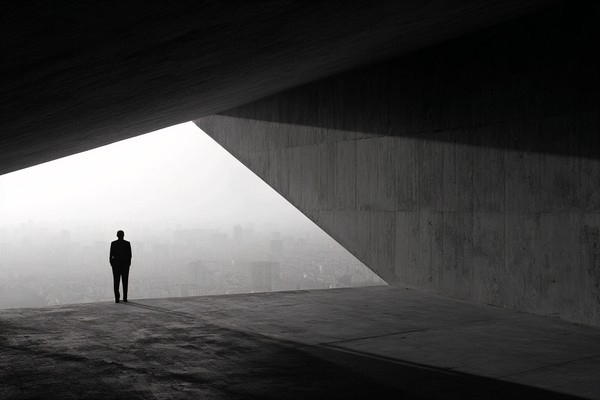
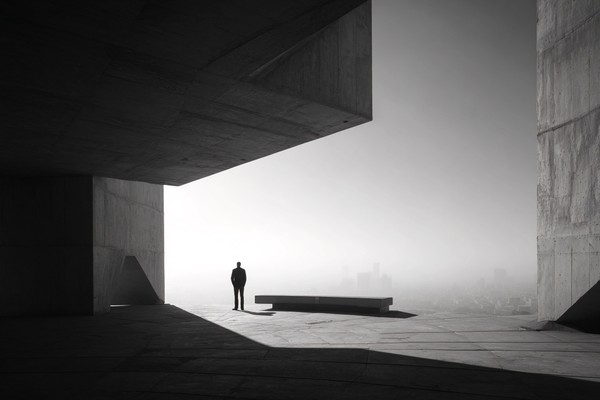
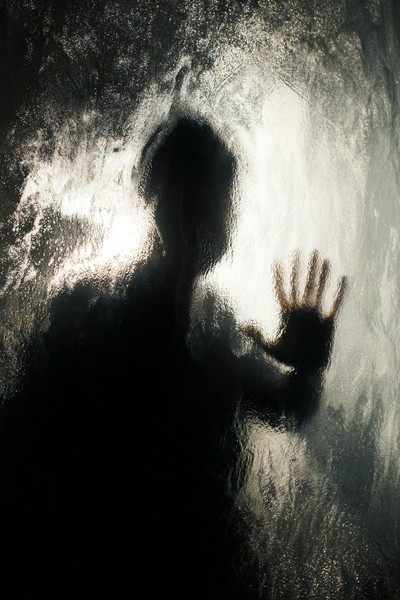
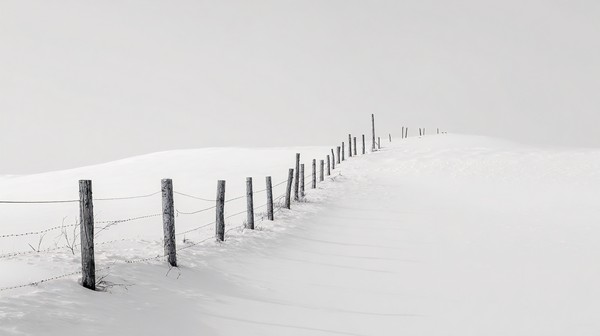
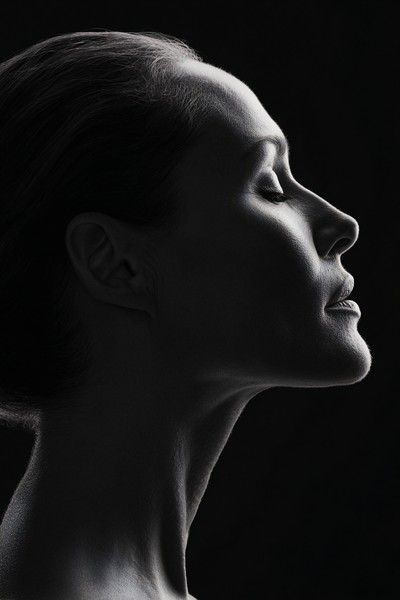
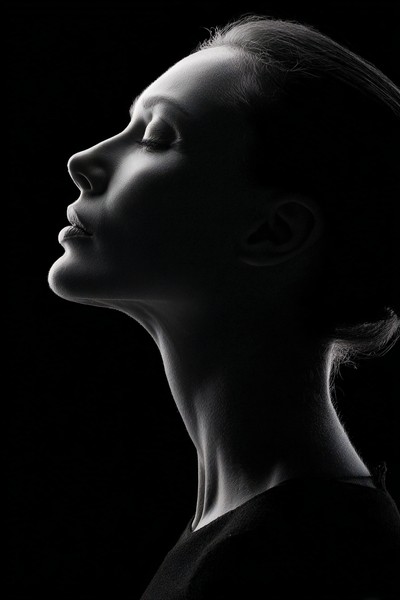
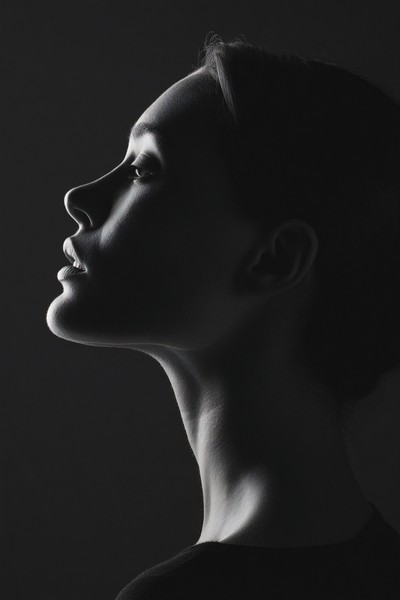
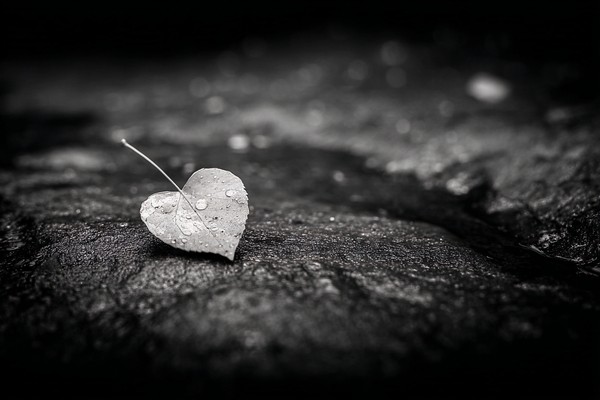
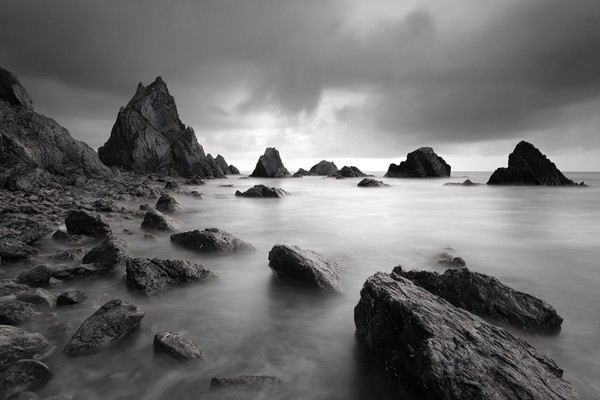
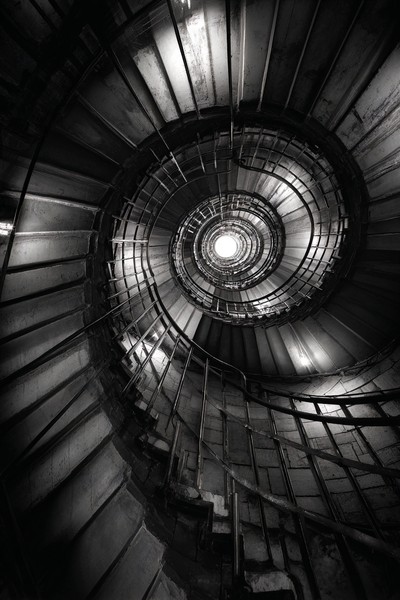
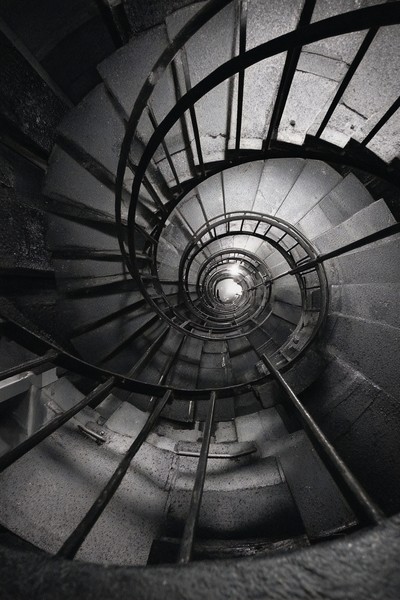
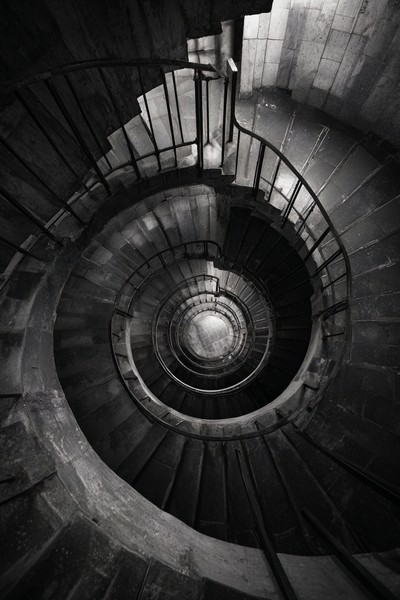
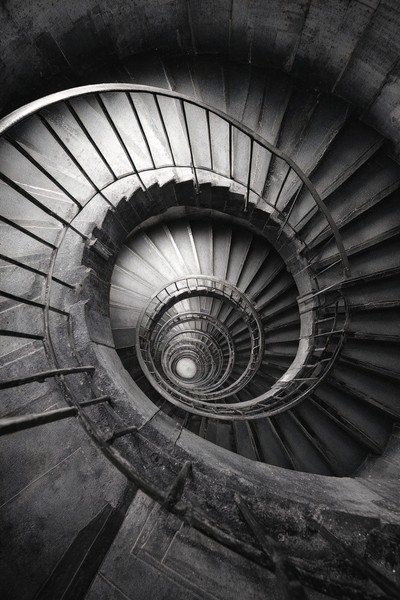
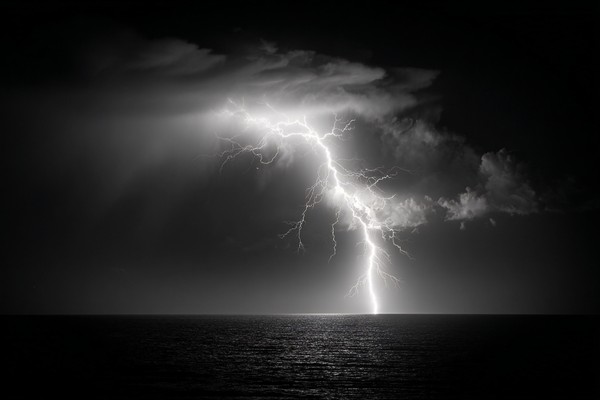
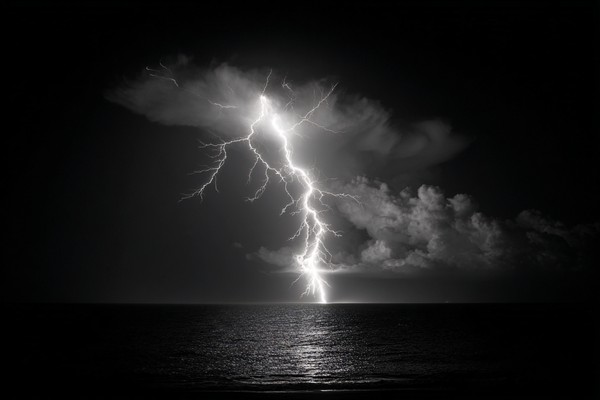
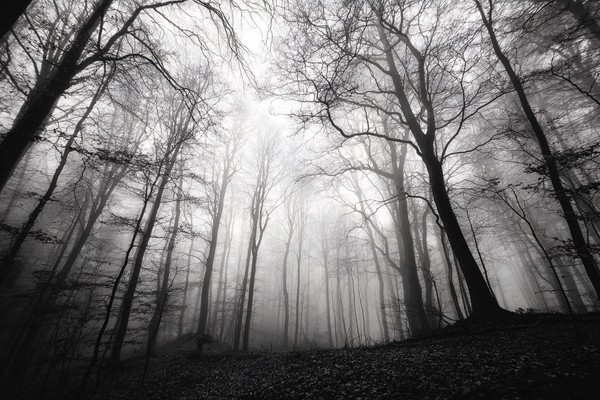
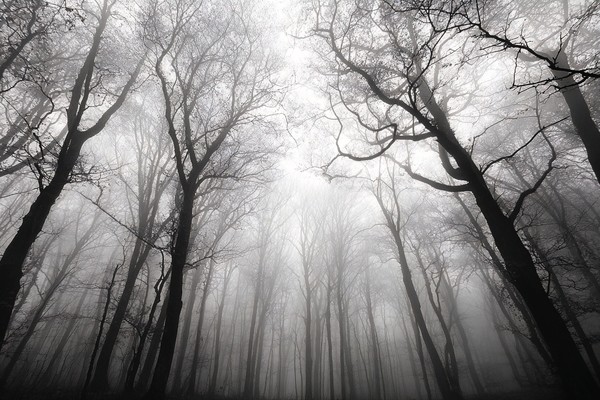
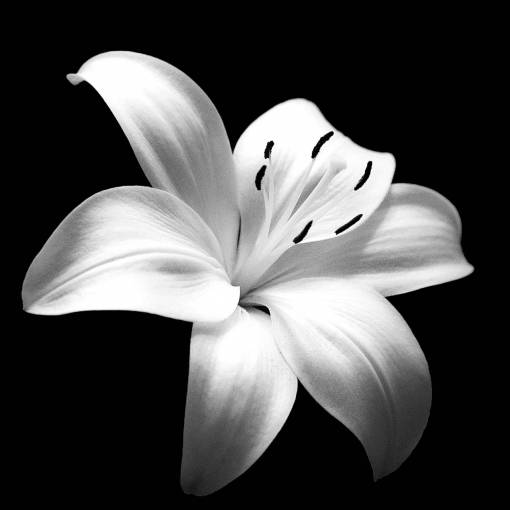
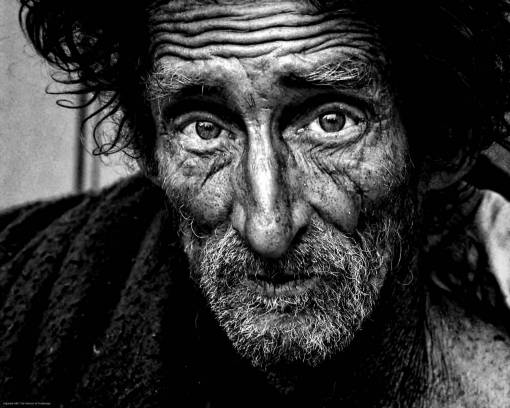
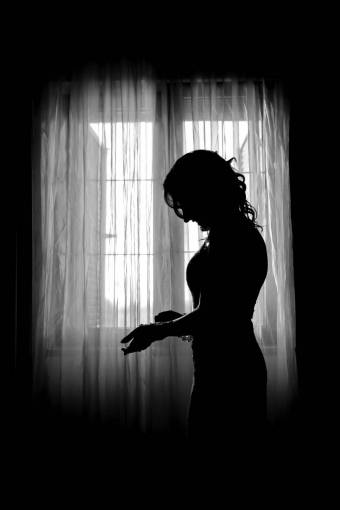
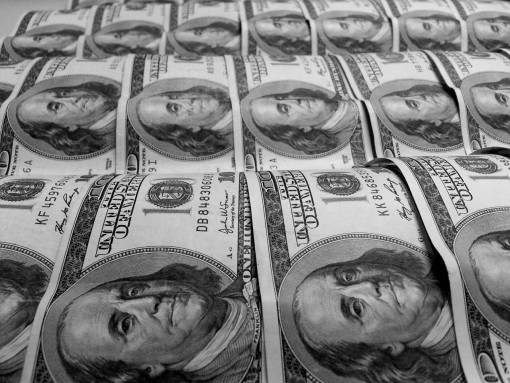
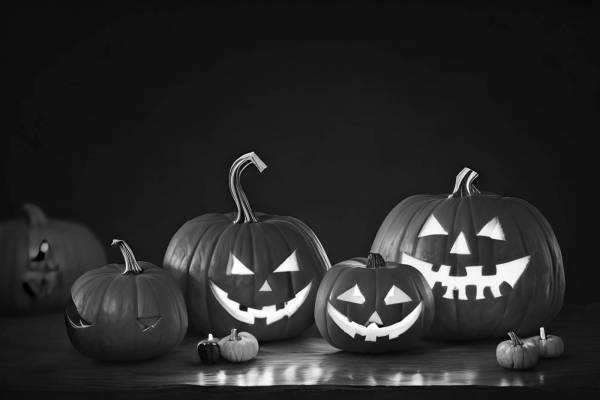
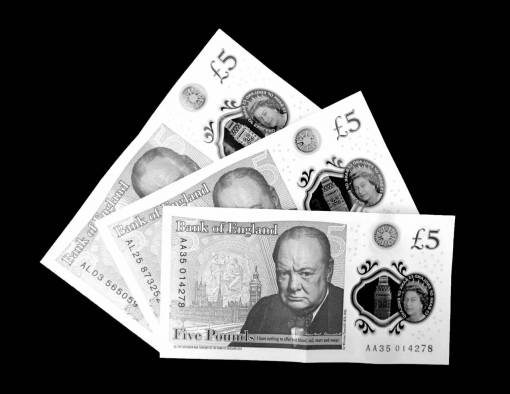
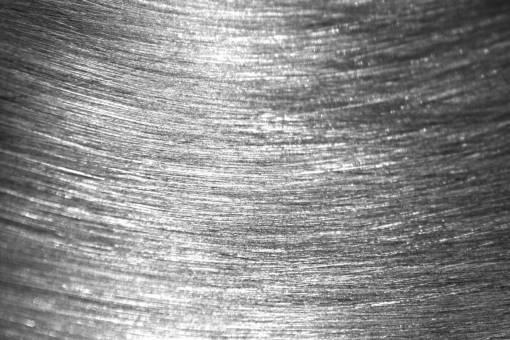
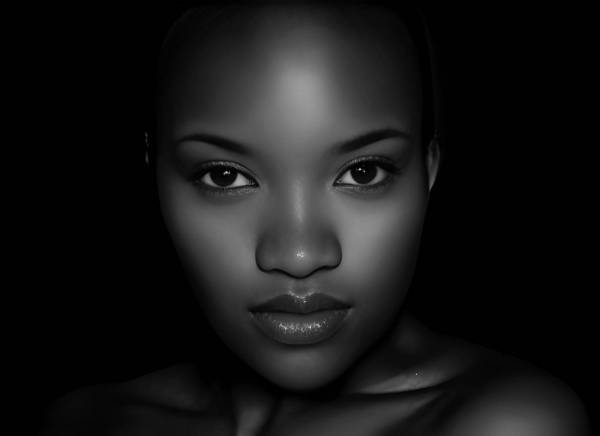
Looking for inspiration? Browse our high-resolution monochrome collection. Gallery photos are available under CC0 for commercial and personal use.
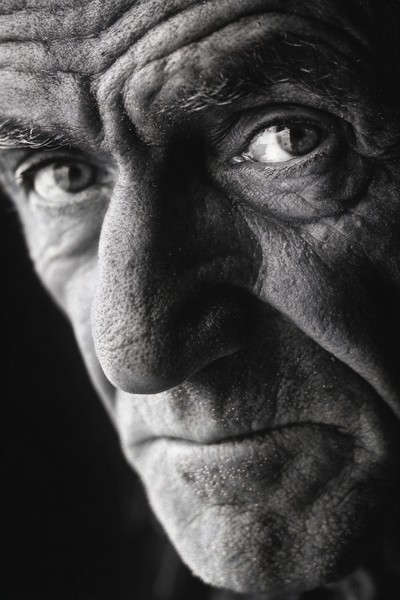
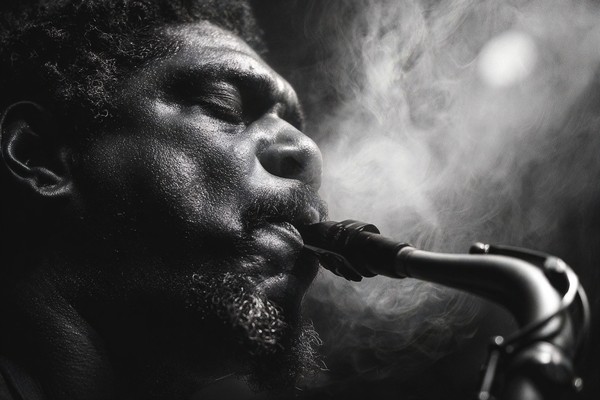
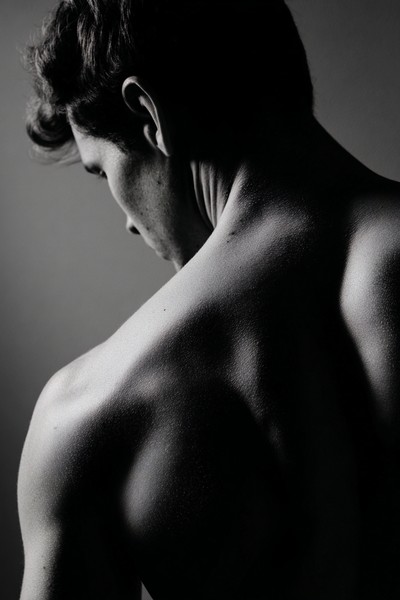
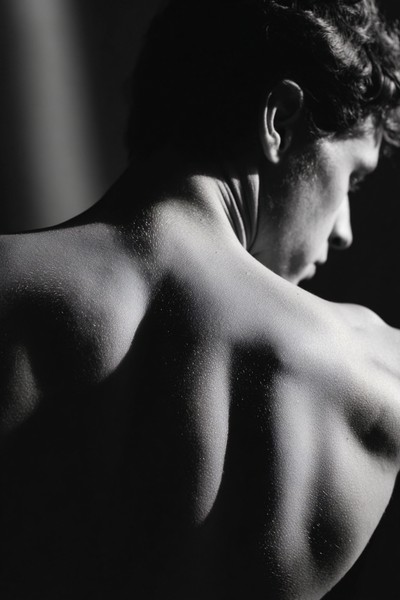
















BlackWhite.Pictures / Free photo tool
Turn your photo into black and white. Fine-tune the light and contrast, then download your image for free.
No sign-up · Original dimensions · Your photo stays on your device
Drop a photo here, or choose one from your device.
JPG, PNG or WebP · Up to 25 MB and 32 megapixels
Downloads keep the original pixel dimensions. PNG preserves transparency; JPG uses a white background. Animated files and HEIC are not supported.
Open a JPG, PNG or WebP from your phone or computer. Your photo is processed locally in your browser.
Conversion happens automatically. Adjust brightness and contrast, or switch to the original to compare.
Save a PNG or JPG at the original dimensions, ready for your next design, personal project or print.
Yes. Convert and download your photos without an account, payment or added watermark.
No. This converter processes your photo in your browser. It does not upload it to our server, publish it or change its ownership or license.
Yes. The download retains the original width and height in pixels. Suitable print size depends on your source resolution, sharpness and viewing distance; conversion does not add detail or upscale your photo.
This tool creates grayscale photographs, with shades from black through gray to white. It does not create a two-color threshold image.
Looking for inspiration? Browse our high-resolution monochrome collection. Gallery photos are available under CC0 for commercial and personal use.